THE NOTEBOOK
All stories
Practical guides to come back to when you need them.
Name Files by Project, Purpose, and Version
Build a filename around three things you will want to recognize later: the project, the document’s job, and its revision.
Give AI a Writing Example Without Borrowing Its Content
Decide what an example should teach—structure, tone, or both—then give the new draft its own facts.
Use a Four-Check Worksheet Before Adding an Item to Your Cart
A quick store-page method for confirming the exact variant, size, included pieces, and store-provided return terms.
Write a Handoff Note That Shows Where the Work Stands
A five-part template for explaining a digital project’s goal, current state, decisions, next action, and source files.
Turn One Project Update Into Three Useful Summaries
Use the same source notes to show what was decided, what happens next, and which questions still need answers.
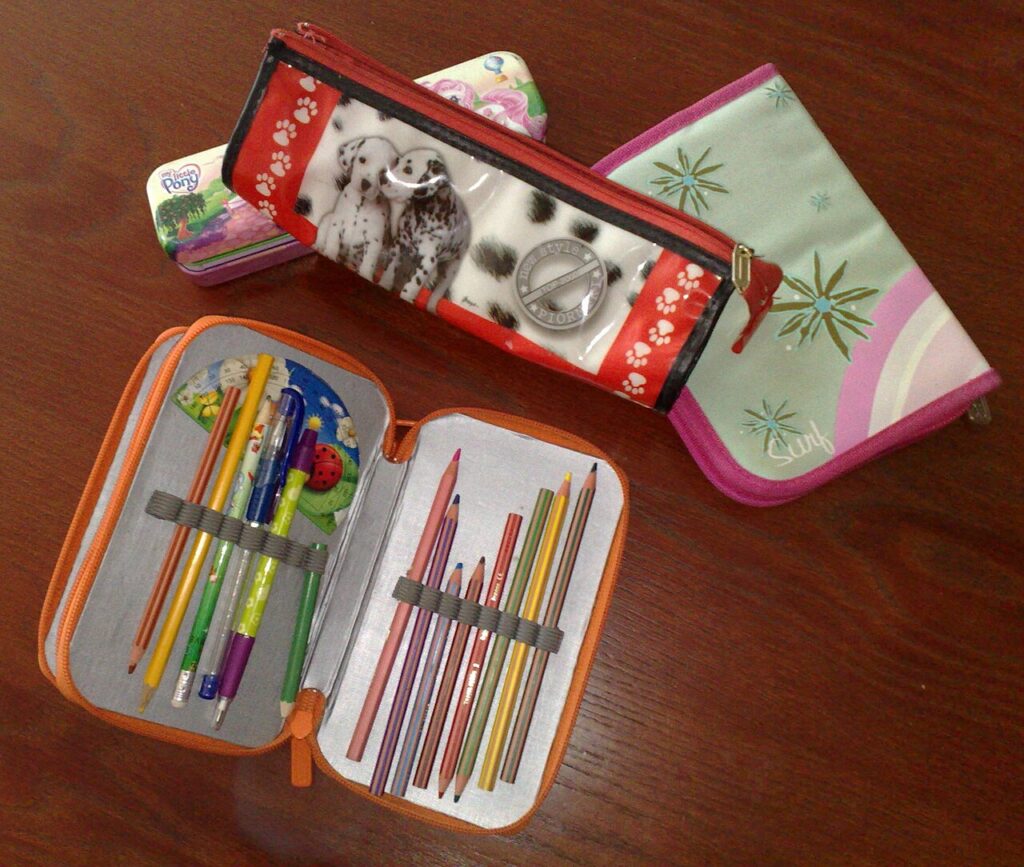
Check Your Own Bags and Organizers Before Replacing One
Make a small inventory that separates what an accessory needs to do from what your existing belongings can already handle.
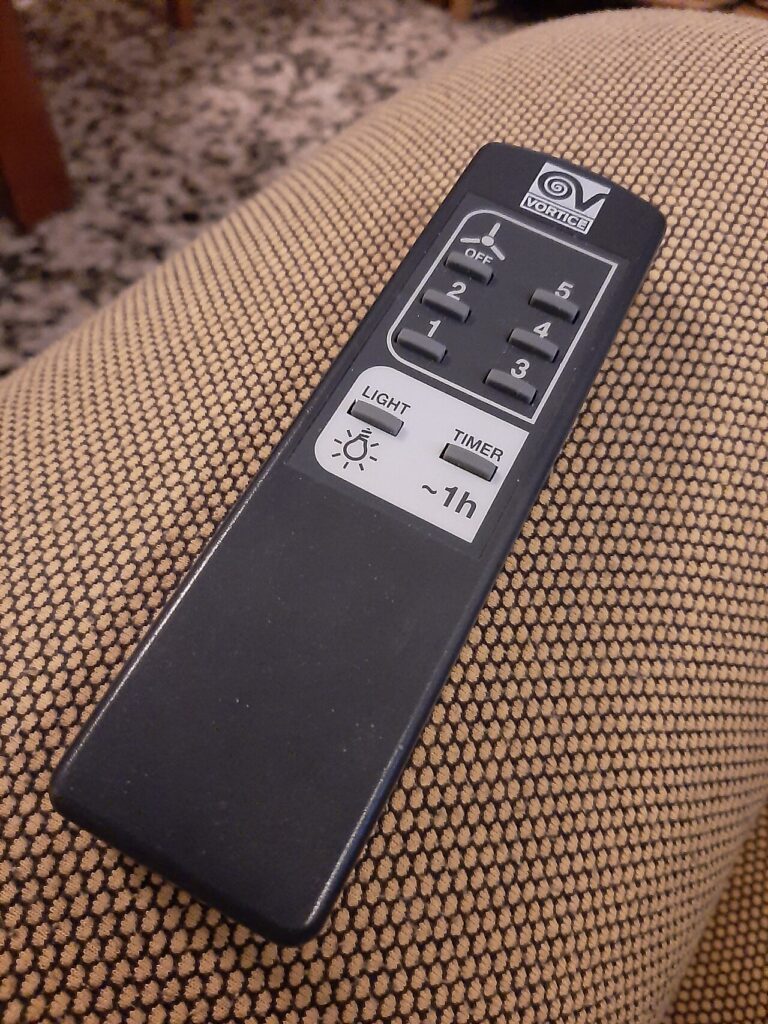
Make a One-Page Index of the Devices You Own
Keep model names, manual references, accessories, and storage locations together so you can find the right information without searching twice.
How to Separate Source Material From Instructions in a Writing Request
Use a plain-text layout that gives the task, reference material, unanswered questions and final checks their own places.

Turn a Desk-Accessory Wish List Into Three Answerable Questions
Replace vague item names with a short record of the job, constraints, what you already own, and the one gap that requires an answer.
Sort a Small Bookmark Collection by What You’ll Do With It
Give every saved page one of three jobs—support an action, provide a known reference, or answer a question during review—so its purpose is visible before you open it.
How to Ask AI for a Comparison Using Only Your Facts
A fact-locked comparison request keeps the criteria in your hands, marks missing information openly, and makes the finished table easier to review.
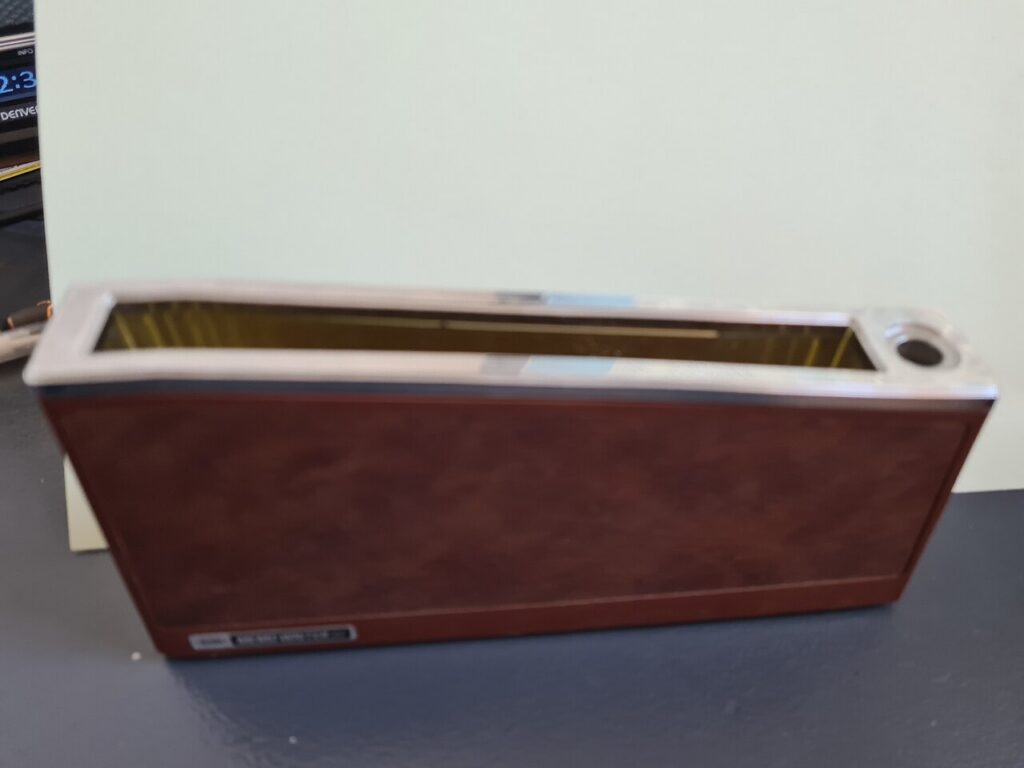
Will That Desktop Organizer Fit? Use This Space-and-Load Worksheet
Map the usable footprint, the items that need a place and the movements that must remain clear before choosing a passive desktop organizer.