THE NOTEBOOK
Digital life
Less digital clutter. More room to get things done.
Turn Important Calendar Events Into Context Cards
Add three short fields to an event so you can resume it quickly: why it matters, what to bring or open, and what done looks like.
Build a Smaller Event Photo Album With Scene Pairs
Choose one scene-setting photo and one useful detail per moment to make a compact album while leaving your originals untouched.
Build a Small Text Library With Keep–Slot–Send
Turn invitations, reminders, and meetup announcements you repeatedly type into reusable text with clear spaces for changing details.
Give a Note a Title That Says Why You Saved It
Turn a broad subject into a useful note title by naming the question, decision, or project the material serves.
Close a Digital Project With Four Answers Worth Keeping
Use a short close-out note to identify final files, preserve key decisions, and explain which questions can stay unanswered.
Build a Short Reading Queue With a Clear Next Session
Give each queued piece a question, a link, a reading session, and a place for the answer you find.
Name Files by Project, Purpose, and Version
Build a filename around three things you will want to recognize later: the project, the document’s job, and its revision.
Write a Handoff Note That Shows Where the Work Stands
A five-part template for explaining a digital project’s goal, current state, decisions, next action, and source files.
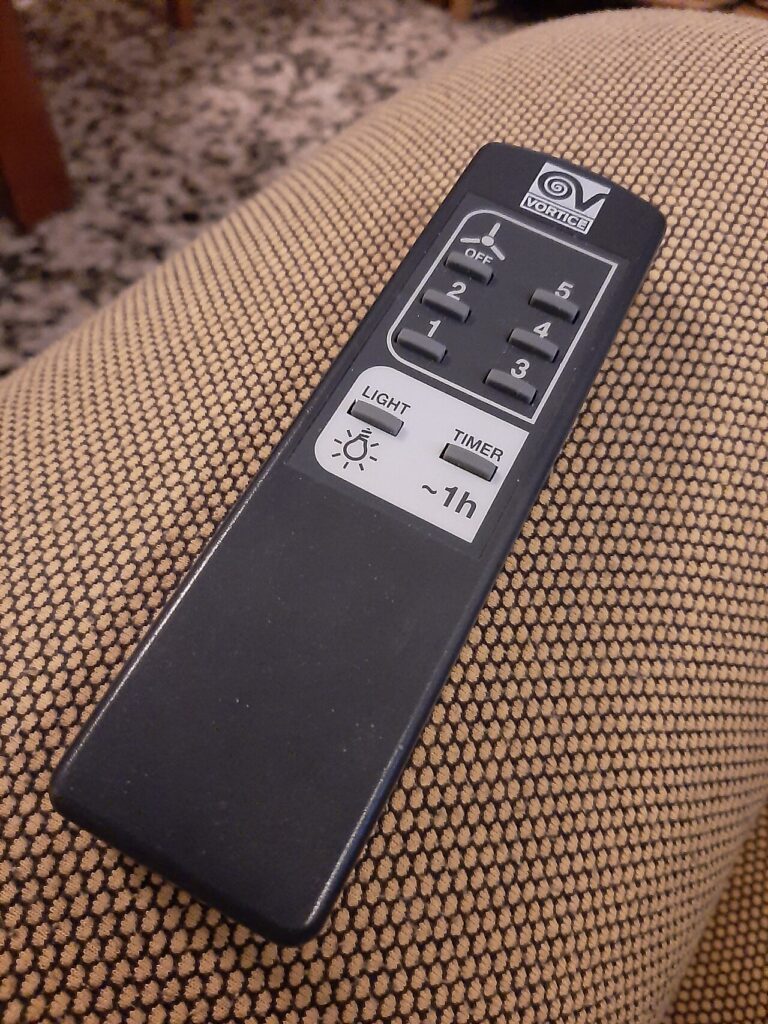
Make a One-Page Index of the Devices You Own
Keep model names, manual references, accessories, and storage locations together so you can find the right information without searching twice.
Sort a Small Bookmark Collection by What You’ll Do With It
Give every saved page one of three jobs—support an action, provide a known reference, or answer a question during review—so its purpose is visible before you open it.
Turn Your Downloads Folder Into a Three-Way Intake Queue
Use one decision question and three destinations—Act, Keep, or Review—to process mixed downloads without treating every file as equally important.
A screenshot is not a to-do list. Here’s how to make it useful.
Sort a small batch into use soon, keep, and review. Then give the useful ones a next step and a place to live.