Give each device a recognizable name, record its exact model, and point to its manual, accessories, and usual home. Keep the page as an index rather than a collection of documents.
The manual is saved somewhere. The spare attachment is in a drawer. The model name is almost the one you remember. A device index brings those scattered details onto one page, with one row for each device and enough information to find everything else.
Copy-ready device index
DEVICE INDEX

Location key, if needed: [short name = exact location]

Device and model | Manual link or file location | Accessories and their locations | Device’s usual location | Purchase date, optional
[Familiar name — manufacturer, exact model] | [Checked manual link or exact folder and filename] | [Accessory: location; accessory: location] | [Room, storage spot] | [Date or leave blank]
[Device] | [Manual] | [Accessories] | [Location] | [Optional date]
[Device] | [Manual] | [Accessories] | [Location] | [Optional date]
[Device] | [Manual] | [Accessories] | [Location] | [Optional date]

Use where applicable: model unconfirmed; manual needed; none kept; not checked.
Exclude passwords and sensitive account data.
1. Start with names you would actually look for
Use a sheet of paper or a document you already have. Create five columns: Device and model, Manual, Accessories, Device location, and Optional purchase date. Leave the date blank unless it serves a purpose for you.
List the devices you own, room by room, before filling in the details. Give each a familiar name such as “living room fan” or “desk monitor.” If you own two similar devices, distinguish them by room, color, or another stable detail.
The method is simple: name the device, point to its supporting information, and give its loose parts a home. You are making a directory you can scan, so each entry should stay short.
2. Pair the everyday name with the exact model
After each familiar name, record the manufacturer and model designation from the device or its existing documentation. Keep meaningful letters, numbers, and suffixes. A family name alone may not distinguish one version from another.
If you cannot confirm the model, write “model unconfirmed.” That makes the unfinished field visible without turning a guess into a reference. Do not add serial numbers, passwords, or sensitive account data; this page only needs to identify the device type and point to useful material.
3. Give each manual one clear destination
In a digital index, use the Manual field for a manual link you have checked against the recorded model. If you already keep a local copy, record its exact filename and folder instead. On paper, a short document location is more useful than a long address.
Choose one primary reference per device. “Manual saved” is too vague; “Device Manuals folder: bedroom-fan-guide” tells you where to go. If you have not located the correct manual, write “manual needed.”
Keep instructions and excerpts out of the row. The index should direct you to the full manual while leaving room for the rest of your devices.
4. Locate the device and its loose accessories separately
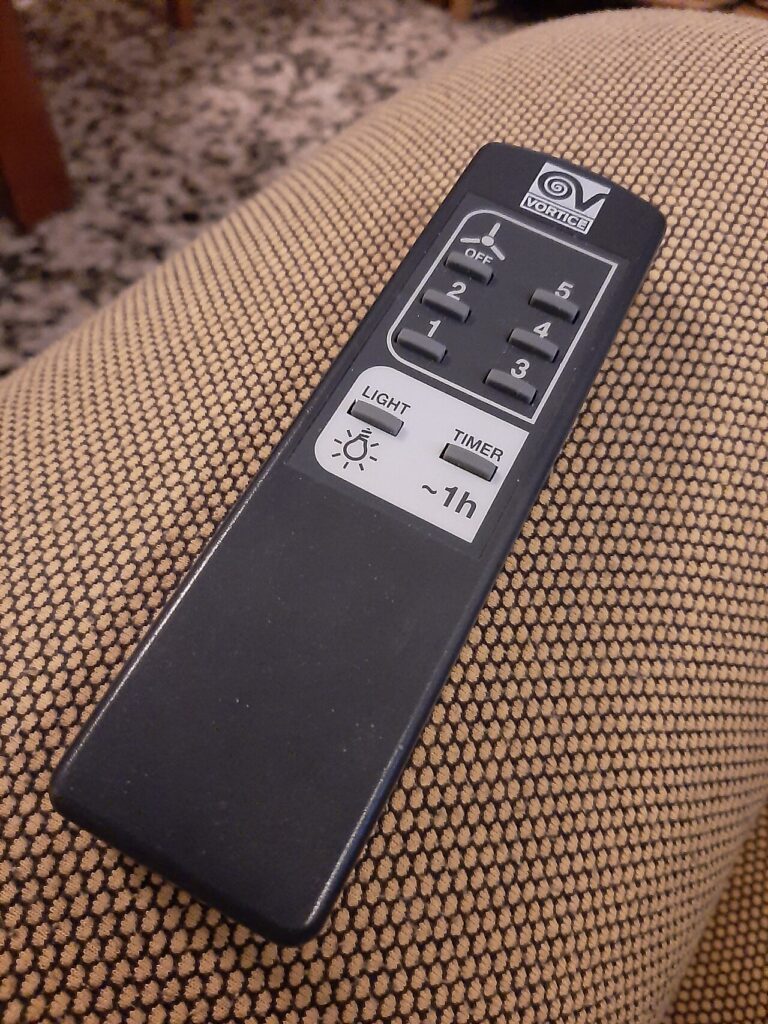

Record the device’s usual home, not wherever it happens to be during this exercise. Use locations specific enough to distinguish nearby spaces: “hall closet, middle shelf” rather than “closet.”
In Accessories, name the pieces you want to keep track of and add their location when they live elsewhere. For example, “remote: side-table drawer; stand: with device.” List what you actually own, rather than what you think originally came in the box.
Use “none kept” when there are no separate accessories and “not checked” when you have not looked yet. Those phrases prevent an empty cell from having several possible meanings.
5. Test a row, then trim the page
Hypothetical example: Avery owns a bedroom fan with the fictional model designation F-24B. Its manual is already stored in a Device Manuals folder. The fan stays beside the bedroom dresser, while its remote belongs in the nightstand’s top drawer. Avery records those facts in one row and leaves the purchase date blank.
To test the entry, Avery asks: “Could I find the manual and remote using only this row?” “Bedroom drawer” fails that test because there are several drawers. “Nightstand, top drawer” passes. This is the useful editing rule: shorten wording only when the destination remains clear.
Review your whole page the same way. Remove repeated words and unnecessary purchase dates before shrinking the text. If many devices share an accessory location, define a short key once, such as “Parts box = hall closet, top shelf.” Update a row when a device or accessory changes homes.
The page is ready when each row lets you identify the device and locate its supporting material—or plainly shows which detail still needs checking.